Hands-Free Writing Should Keep Users in Control
Voice dictation can reduce keyboard dependence while preserving review, correction, and user control over the final text.

Voice Cursor Team
March 1, 2026 2 min read
For some people, typing is inconvenient.
For others, typing is painful, tiring, slow, or inaccessible.
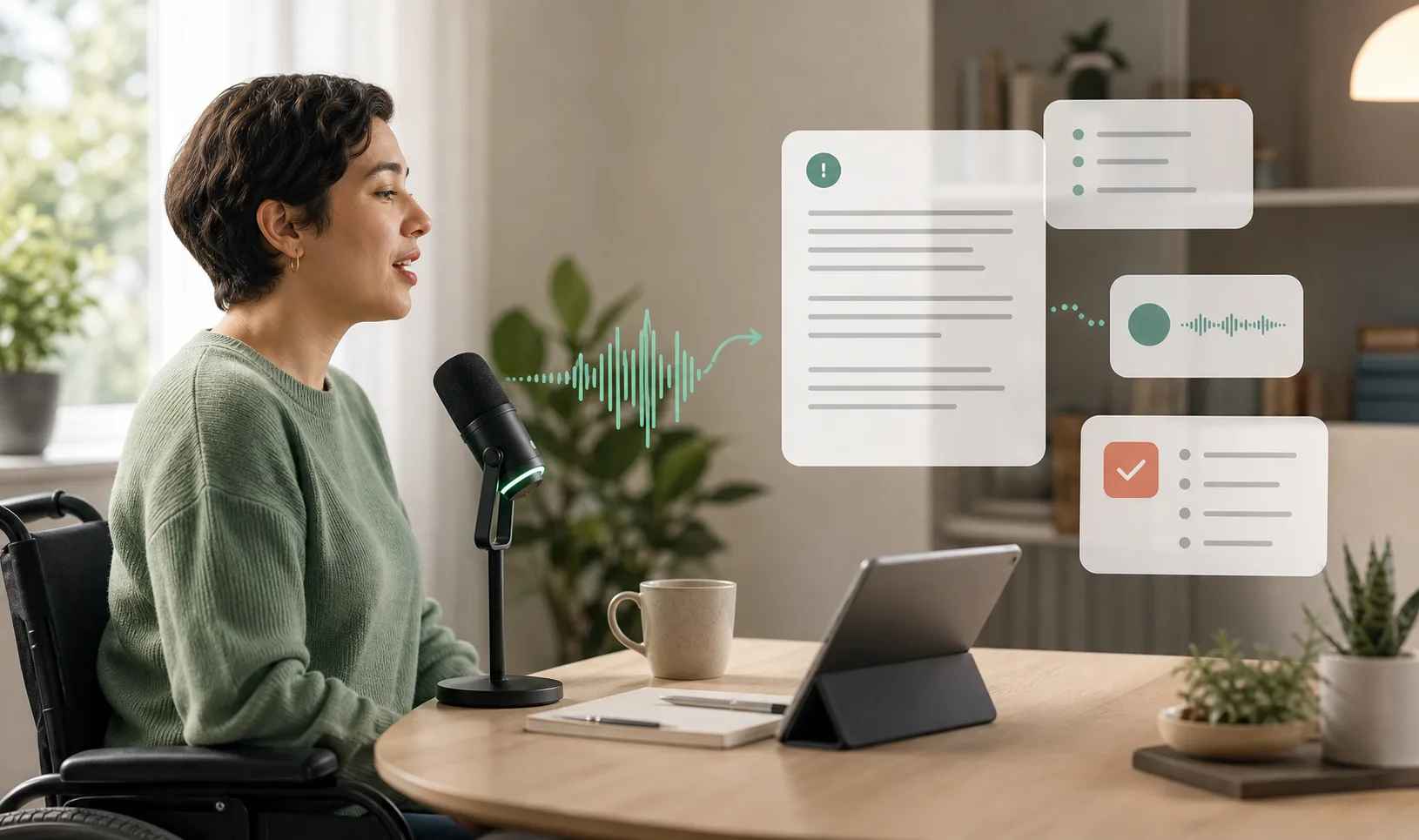
Voice dictation can make writing easier for people who experience repetitive strain, mobility limitations, vision challenges, fatigue, temporary injury, or other barriers that make keyboard-heavy work difficult.
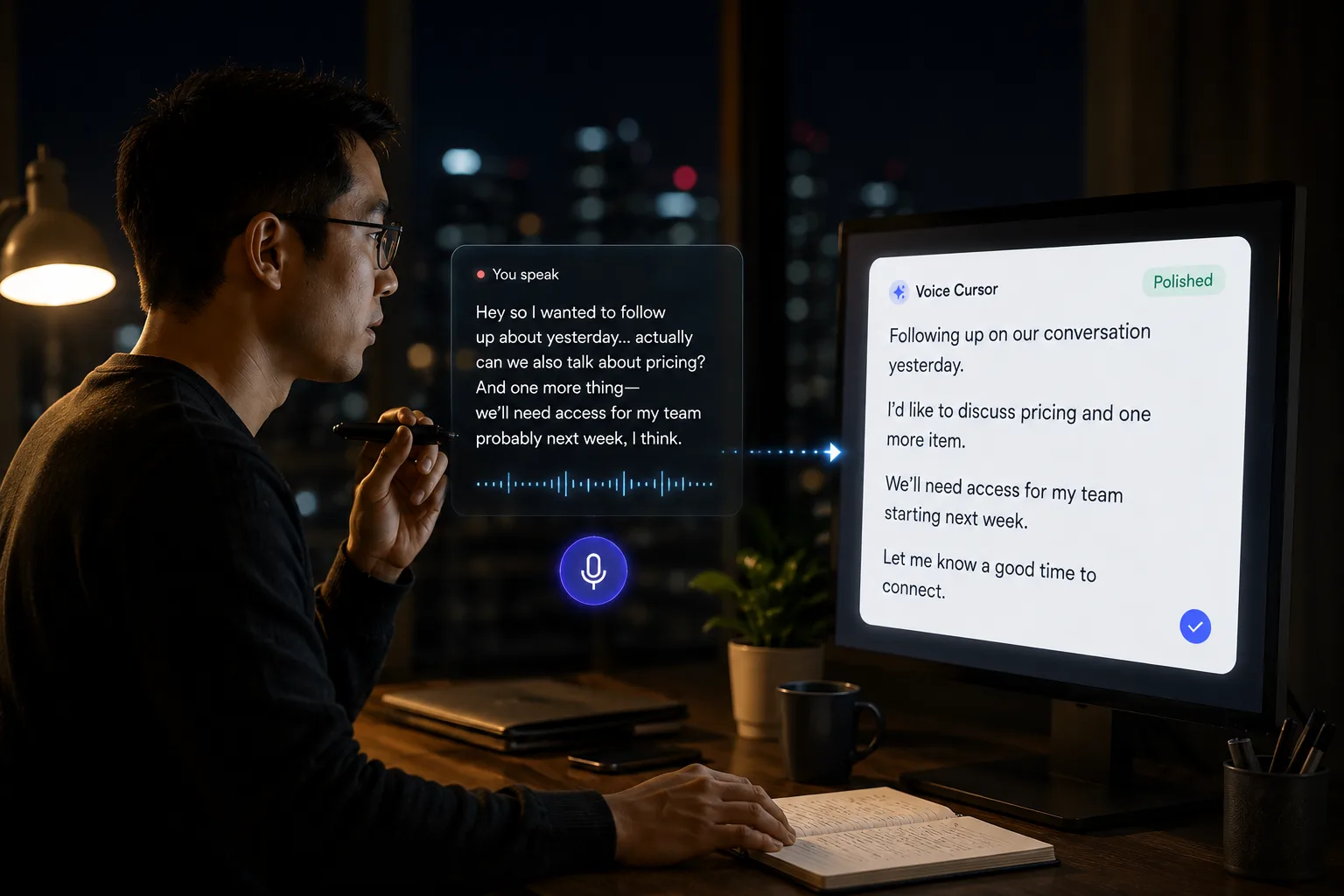
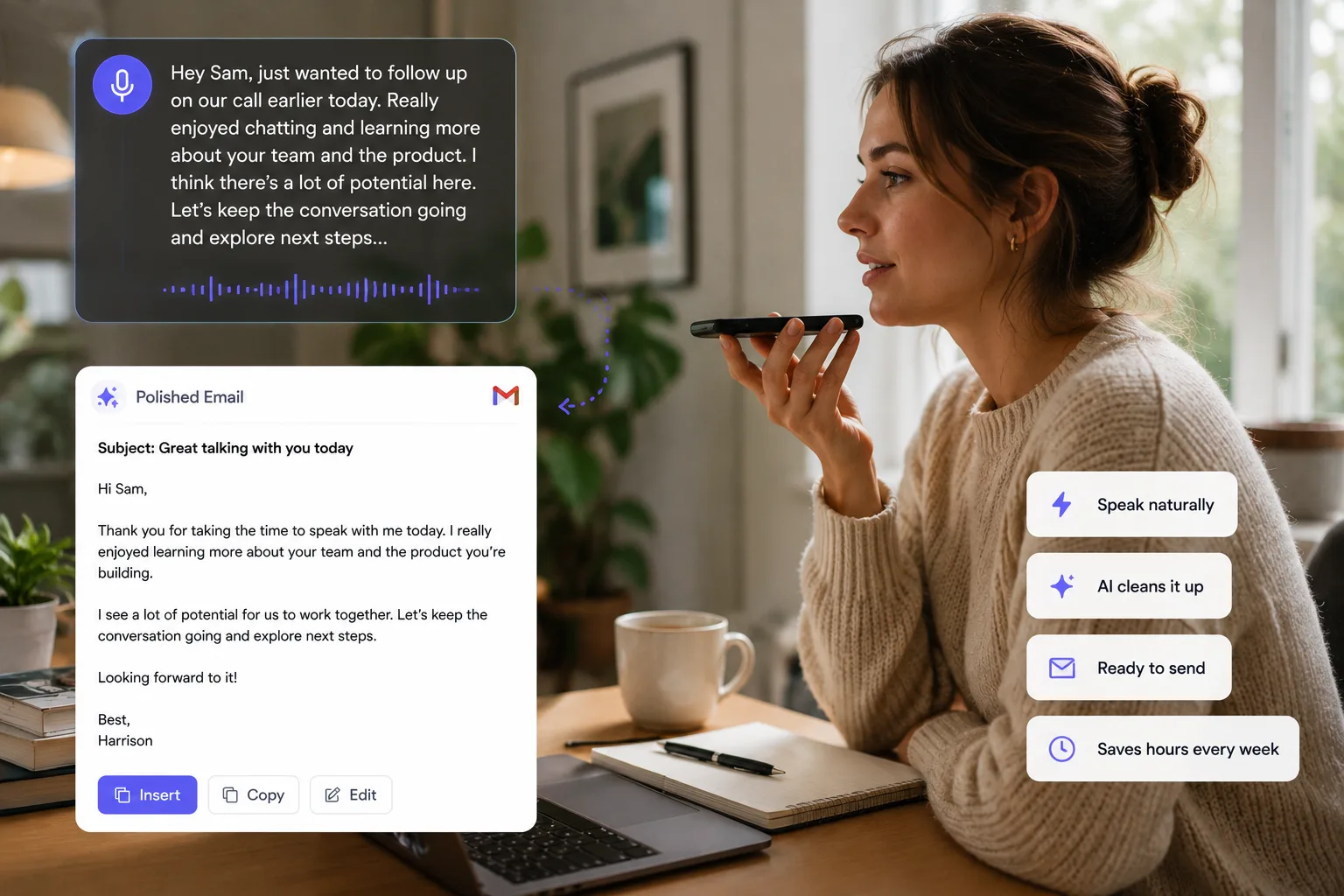
Voice Cursor helps by turning spoken thoughts into polished text.
That means a person can create emails, notes, messages, prompts, summaries, and drafts without relying entirely on manual typing.
Accessibility is not a side feature of voice dictation. It is one of its most important use cases.
Computers have historically expected users to meet the machine on the machine's terms: keyboard, mouse, screen, cursor, menus, shortcuts. But human bodies are different. Human needs are different. A better interface should create more ways to participate.
Voice is one of those ways.
With Voice Cursor, a user can speak naturally and generate written text for everyday workflows. This can help reduce the amount of typing required and make computer use feel less physically demanding.
Useful accessibility workflows include writing emails, drafting work messages, taking notes, creating AI prompts, capturing ideas, summarizing thoughts, writing school assignments, drafting customer replies, and producing first drafts without extended keyboard use.
Control matters
- The user decides what to say.
- The user reviews the draft.
- The user corrects details.
- The user decides what gets sent or saved.
The review step is still important. Accessibility tools should increase control, not remove it. Users should be able to check the output, correct details, and decide what gets shared.
Voice dictation is also useful for people who can type but want to reduce strain. A founder with wrist pain, a student recovering from injury, a designer with fatigue, or a professional who spends ten hours a day at a laptop may all benefit from shifting some writing to voice.
This is not about laziness.
It is about matching the tool to the body.
Hands-free writing can also support focus. When typing is physically uncomfortable, the discomfort becomes part of the work. It competes with the thought. Voice can reduce that friction and let people stay closer to what they want to say.
Voice Cursor is not a complete accessibility solution for every need. No single tool is. But AI voice dictation can be a meaningful part of a more flexible computing setup.
The larger vision is a computer that adapts to people, not the other way around.
Voice is a step toward that.
FAQ
Can Voice Cursor help with hands-free writing?
Yes. Voice Cursor can help users create text by speaking instead of typing manually.
Is voice dictation useful for accessibility?
Yes. It can support people who have difficulty typing or want to reduce keyboard strain.
Does Voice Cursor replace all accessibility tools?
No. It can be part of an accessibility workflow, but users may still need other tools depending on their needs.
Try Voice Cursor
Turn spoken thoughts into polished writing.
Download Voice Cursor and use AI voice dictation across the apps where your work already happens.
Download the app