Work Messages Need Context, Not Just Speed
The hard part of async work is often explaining the context clearly. Voice helps turn rough thoughts into useful team messages.

Voice Cursor Team
March 23, 2026 2 min read
Modern work is a river of tiny messages.
Slack replies, Discord updates, Teams messages, Linear comments, Notion notes, project updates, async standups, customer chats, quick decisions, polite clarifications, and "just following up" pings.
None of these messages feels large enough to count as writing.
Together, they consume the day.
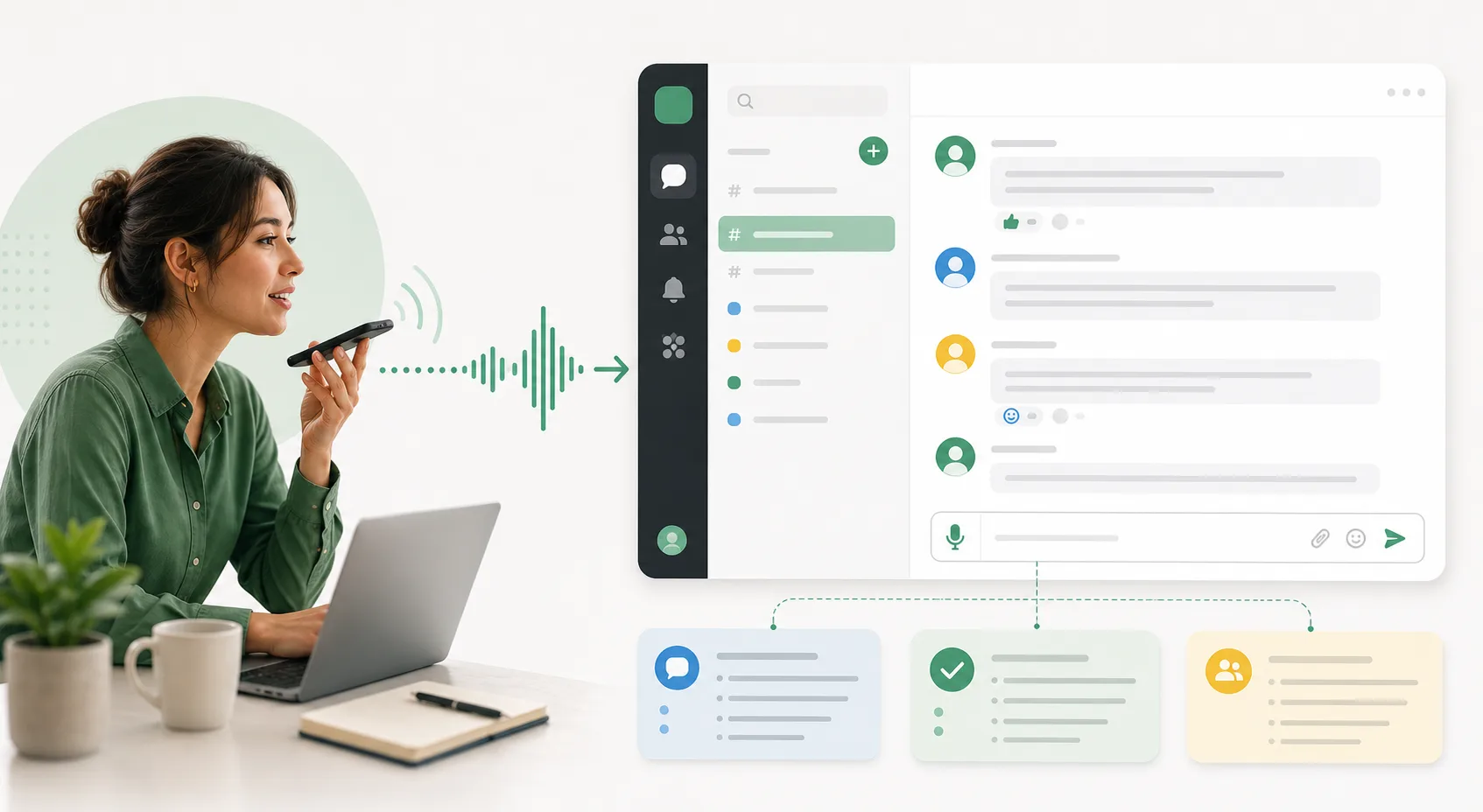
Voice Cursor helps you draft work messages by speaking instead of typing everything manually.
This is useful because short messages still require judgment. You want to be clear, but not cold. Direct, but not rude. Helpful, but not long. Detailed, but not exhausting.
Voice dictation lets you say the full thought first.
For example:
"I think we should ship the smaller version today and measure activation before building the advanced settings. The bigger version is probably right eventually, but right now it adds too much surface area before we know whether users complete the first workflow."
That can become a strong Slack message.
The async message test
Bad version: "Maybe ship smaller first?"
Better version: the same recommendation plus the reasoning, the tradeoff, and the next step.
The shorter version is faster, but less useful. It creates follow-up questions. It hides the reasoning. It can slow the team down.
Good async communication reduces unnecessary meetings.
Voice Cursor helps by making it easier to include context without spending ten minutes typing.
Use it for Slack replies, async updates, project explanations, standup notes, decision summaries, customer chat drafts, internal announcements, and feedback messages.
When voice is worth using
- The message needs context.
- The tone is easy to misread.
- The decision affects more than one person.
- The short version would create more questions than it answers.
Voice dictation is especially useful for remote teams. In a remote environment, written context does more work. People cannot rely on hallway conversations or quick desk-side explanations. The message has to carry the reasoning.
Voice makes that easier.
It can also help leaders and managers. Many leadership messages need nuance: explaining a priority change, giving feedback, summarizing a decision, or aligning the team without sounding heavy.
Speaking the first version often makes the message more human.
For example:
"Tell the team that we are narrowing scope this week because the launch date matters more than adding another feature. Make it clear this is not a quality compromise. It is a focus decision."
That is useful raw material.
Voice Cursor helps turn workplace thought into workplace text.
The goal is not to make every message longer. The goal is to make important messages clearer, faster.
In modern work, writing is coordination.
Voice Cursor gives coordination a faster input method.
FAQ
Can I use Voice Cursor for Slack messages?
Yes. You can use Voice Cursor to dictate Slack messages, async updates, replies, and project notes.
Why use voice dictation for work messages?
It helps you include context and reasoning faster than typing from scratch.
Should every message be dictated?
No. Quick replies may not need it. Voice dictation is most useful for messages that require explanation.
Try Voice Cursor
Turn spoken thoughts into polished writing.
Download Voice Cursor and use AI voice dictation across the apps where your work already happens.
Download the app