
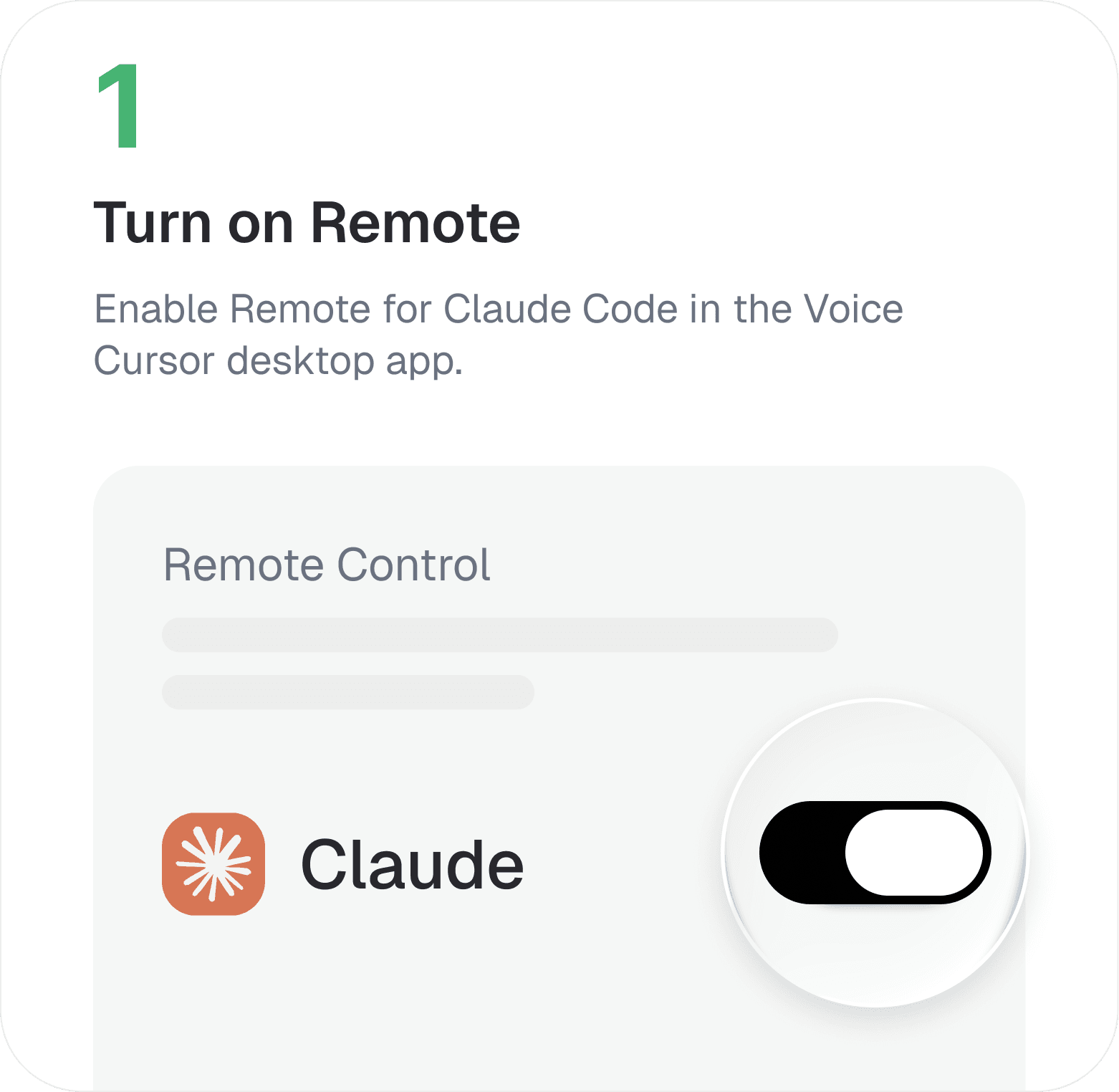
Turn on Remote
Enable Remote for Claude Code in the Voice Cursor desktop app.

Just 3 simple steps to operate Claude Code hands-free
Enable Remote for Claude Code in the Voice Cursor desktop app.
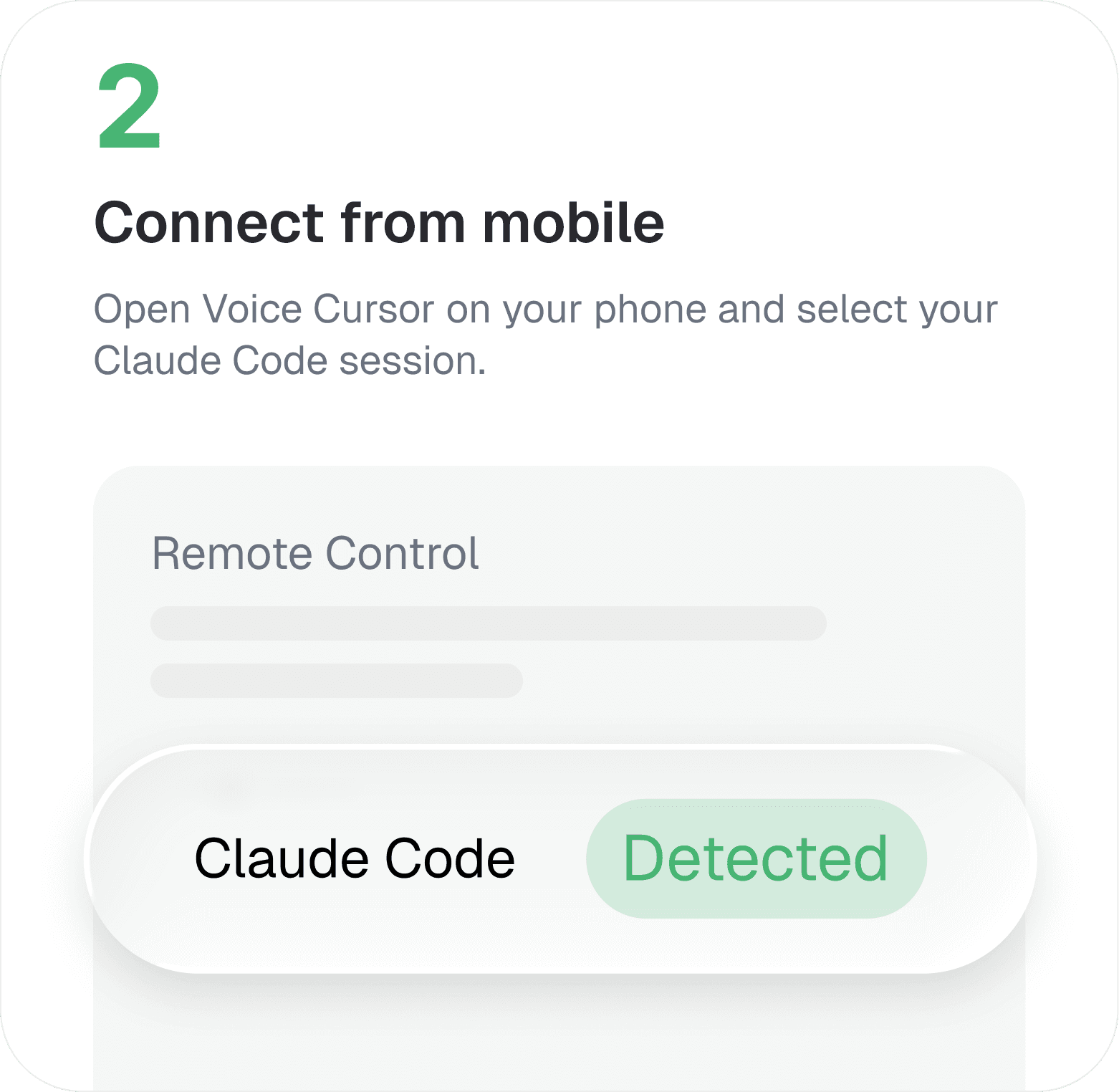
Open Voice Cursor on your phone and select your Claude Code session.
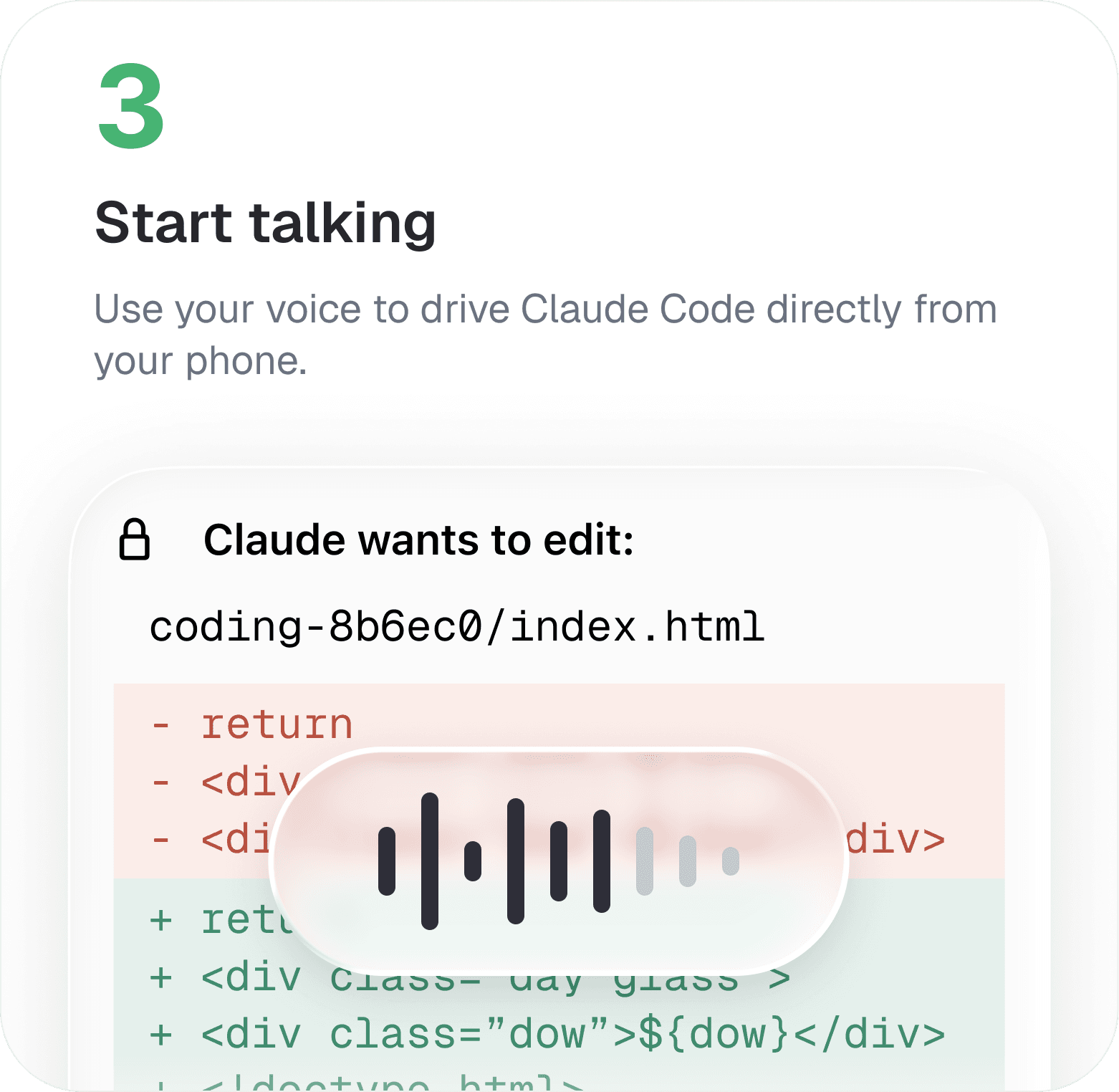
Use your voice to drive Claude Code directly from your phone.
Hope our product can create the following possibilities for you.
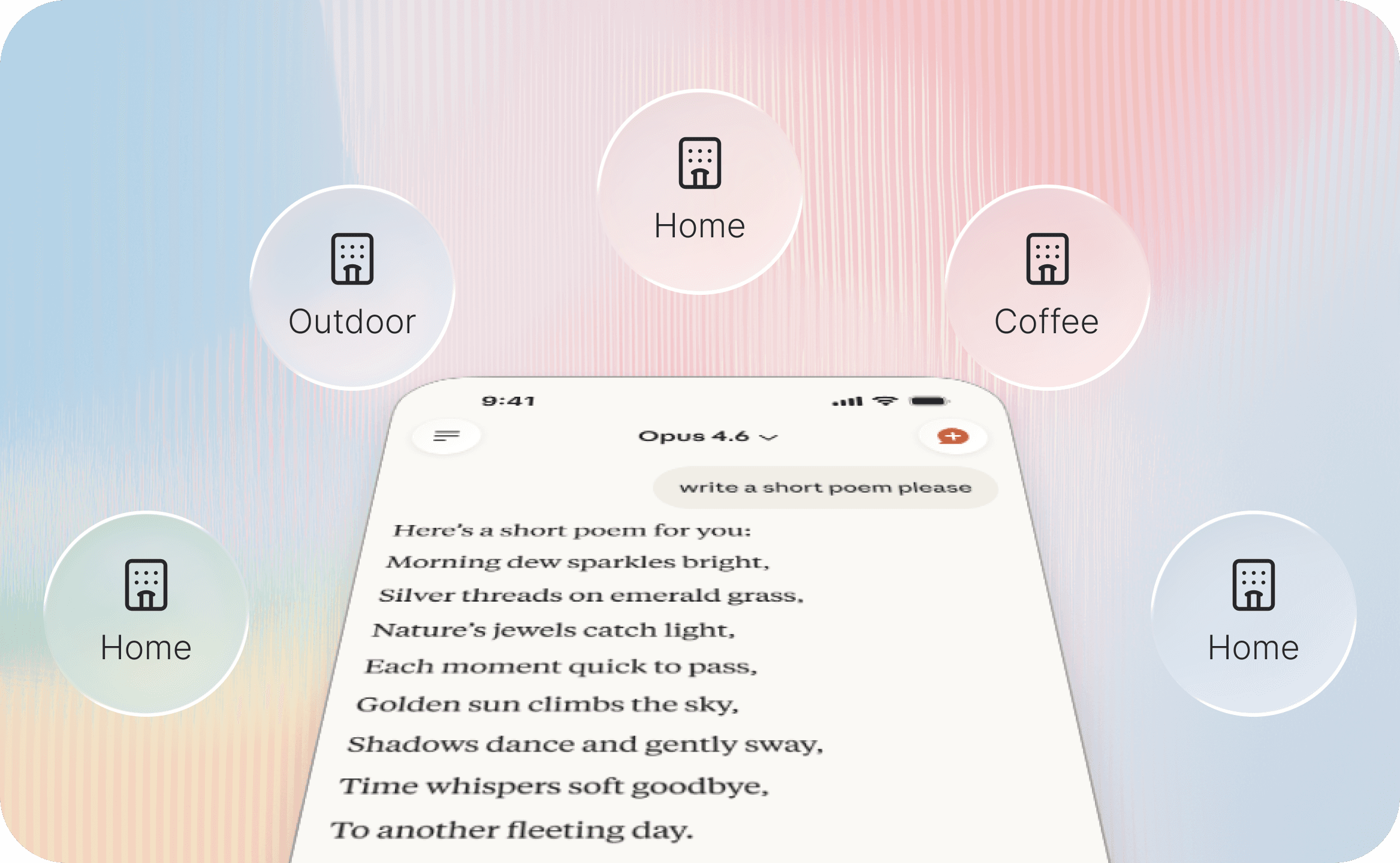
Your coding agents stay connected wherever you are. Start working on your desktop and continue from your phone with voice.
No setup, ports, or manual pairing. Voice Cursor automatically detects your Claude Code CLI sessions and connects instantly.
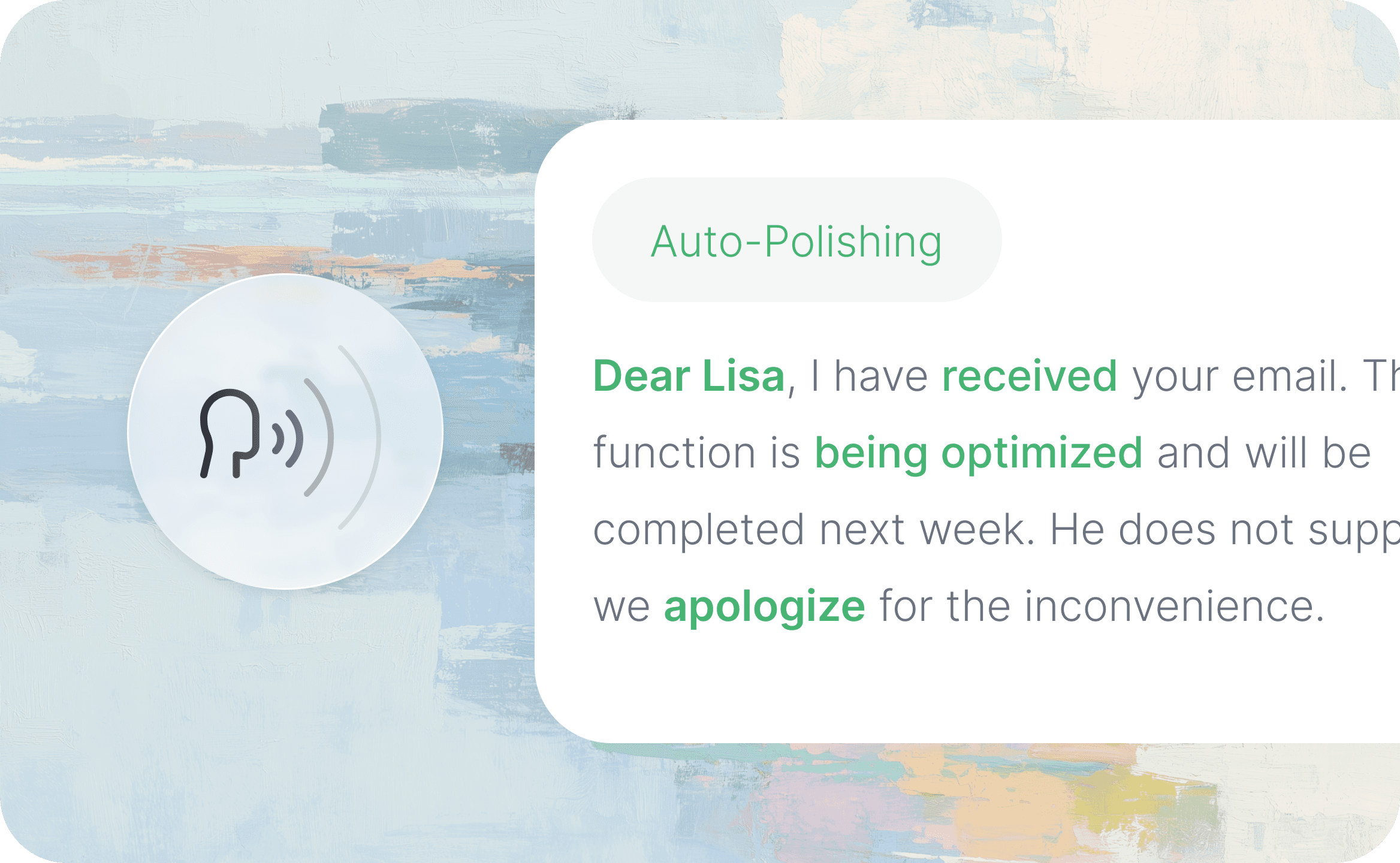
Speak naturally. Voice Cursor understands your coding context, refines your words into clear commands, and sends them to the right Claude Code session instantly.
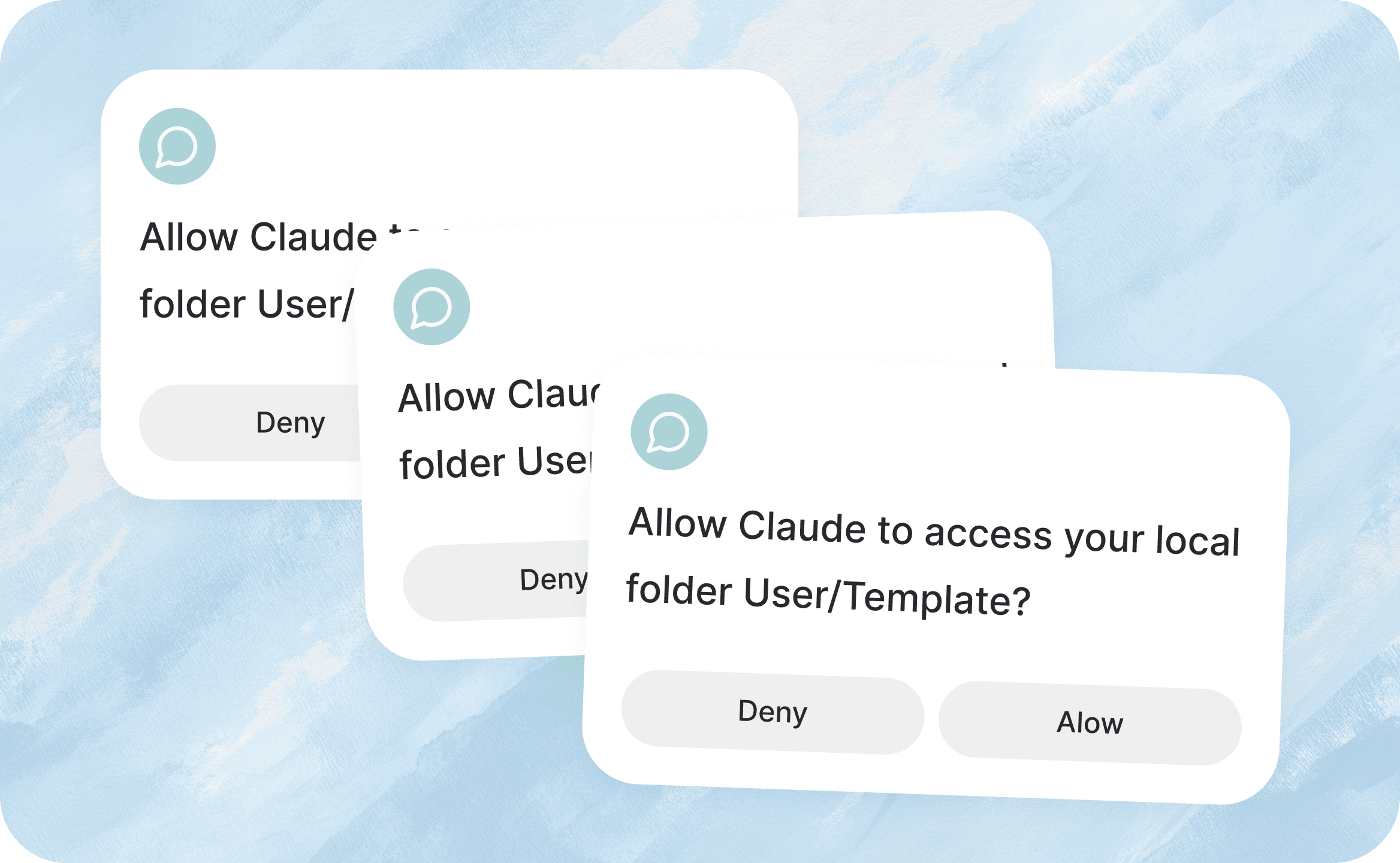
Only get interrupted when it matters. Voice Cursor alerts you when your input is needed, code is ready to review, or an agent gets stuck.
Voice Cursor Remote Control lets you control Claude Code CLI from your phone using your voice.
You need the Voice Cursor desktop app on your Mac and the Voice Cursor mobile app on your phone. Claude Code should be running in your terminal.
No. Voice Cursor is designed to work without manual setup. Turn on Remote in the desktop app and your session appears on your mobile.
Yes. Once Remote is enabled, you can monitor and control Claude Code from your phone.
Voice Cursor Remote currently supports Claude Code. Codex and other terminal-based coding agents are coming soon.


