Voice Dictation for Email: Stop Letting Replies Rot in Your Inbox
Use voice dictation to speak full email intent, create a cleaner first draft, and keep important replies from piling up.

Voice Cursor Team
2026年5月14日 3 min read
Email is rarely hard because you do not know what to say.
It is hard because you do not want to type it. You open the message. You understand the situation. You know the response. Then you delay it because writing the whole thing from scratch feels heavier than it should.
That is where voice dictation helps.
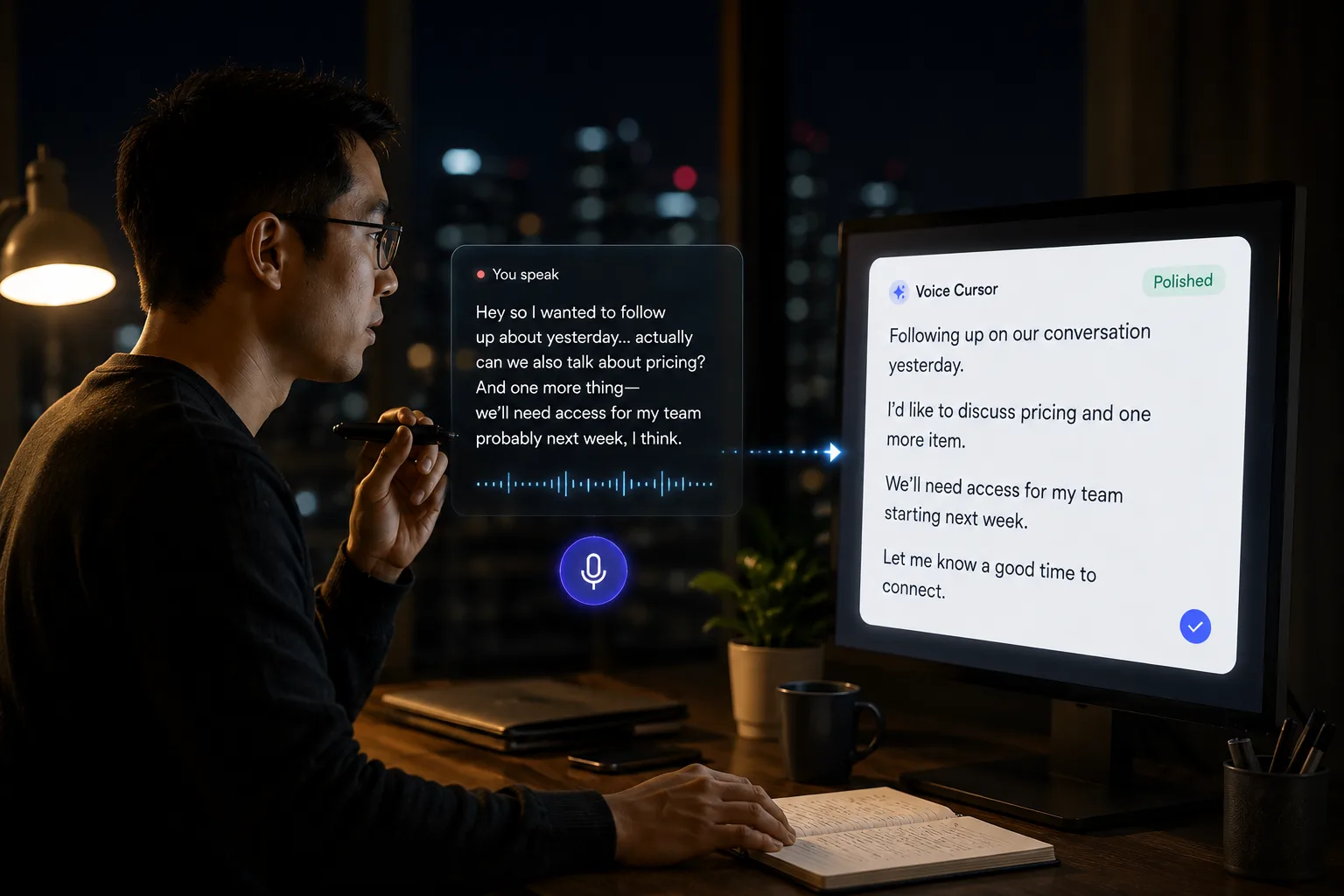
Voice Cursor lets you speak an email draft instead of typing every sentence manually. You say the rough version, and the app helps turn it into cleaner writing. This is useful for the emails that require more than a one-line reply: candidate follow-ups, customer responses, investor updates, partnership emails, team announcements, sales replies, and thoughtful messages that need a human tone.
A middle path between speed and care
Email lives in the strange space between speed and care. If you write too quickly, you sound cold. If you overthink every sentence, your inbox becomes a swamp. Voice dictation gives you a middle path. You can speak naturally, include the real context, then polish the final version before sending.
- Open the email you need to answer.
- Say what you want to communicate in plain language.
- Let Voice Cursor turn it into a draft.
- Edit names, dates, details, and tone.
- Send it.
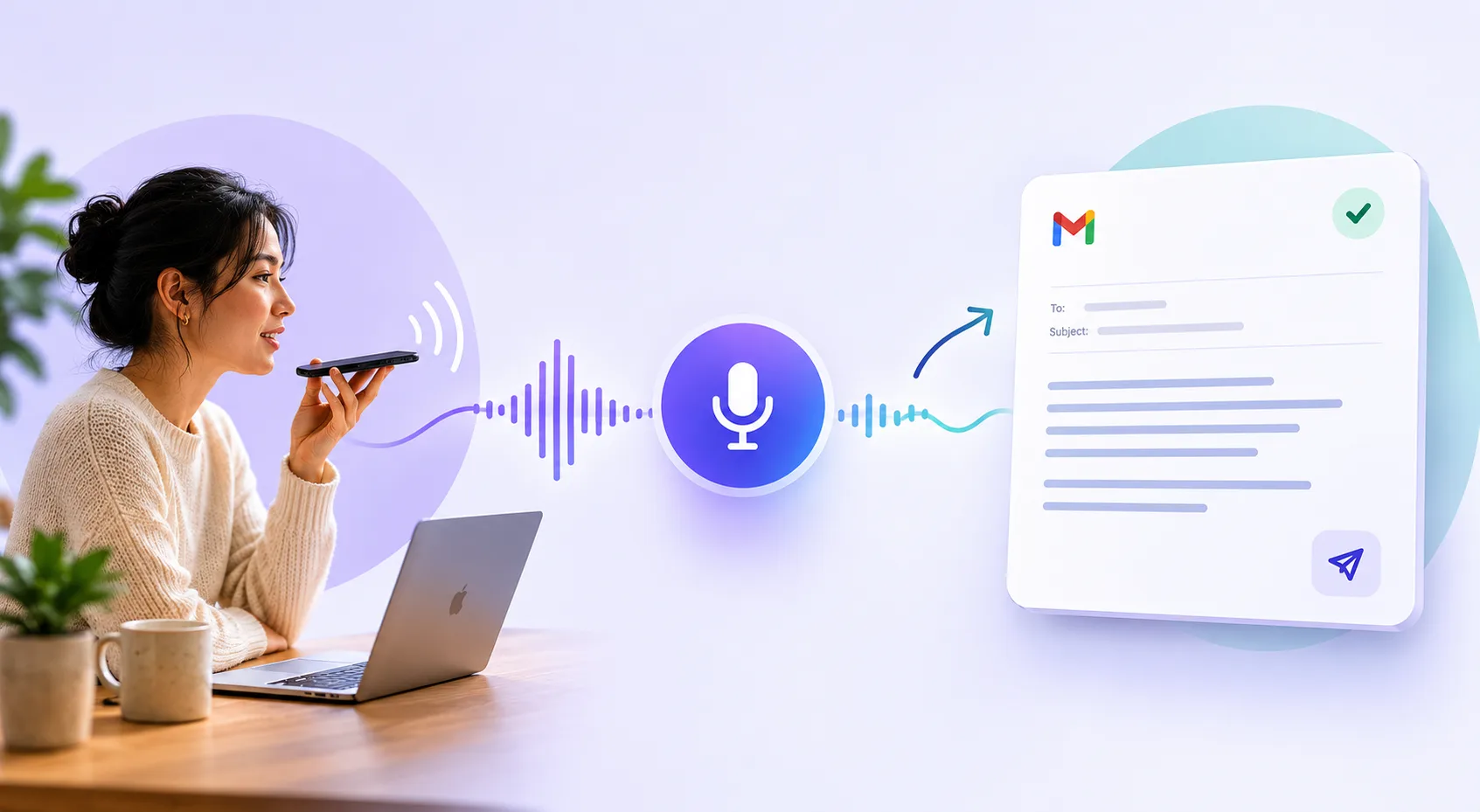
For example, you might say: "Reply to Alex and say thanks for the thoughtful feedback. Tell them we are already working on the onboarding issue they mentioned, and ask if they would be open to a 15-minute call next week so we can understand the workflow better."
That is easier to speak than type. More importantly, it captures the full intent before the thought collapses into a rushed "Thanks, will take a look."
Nuance is easier to speak first
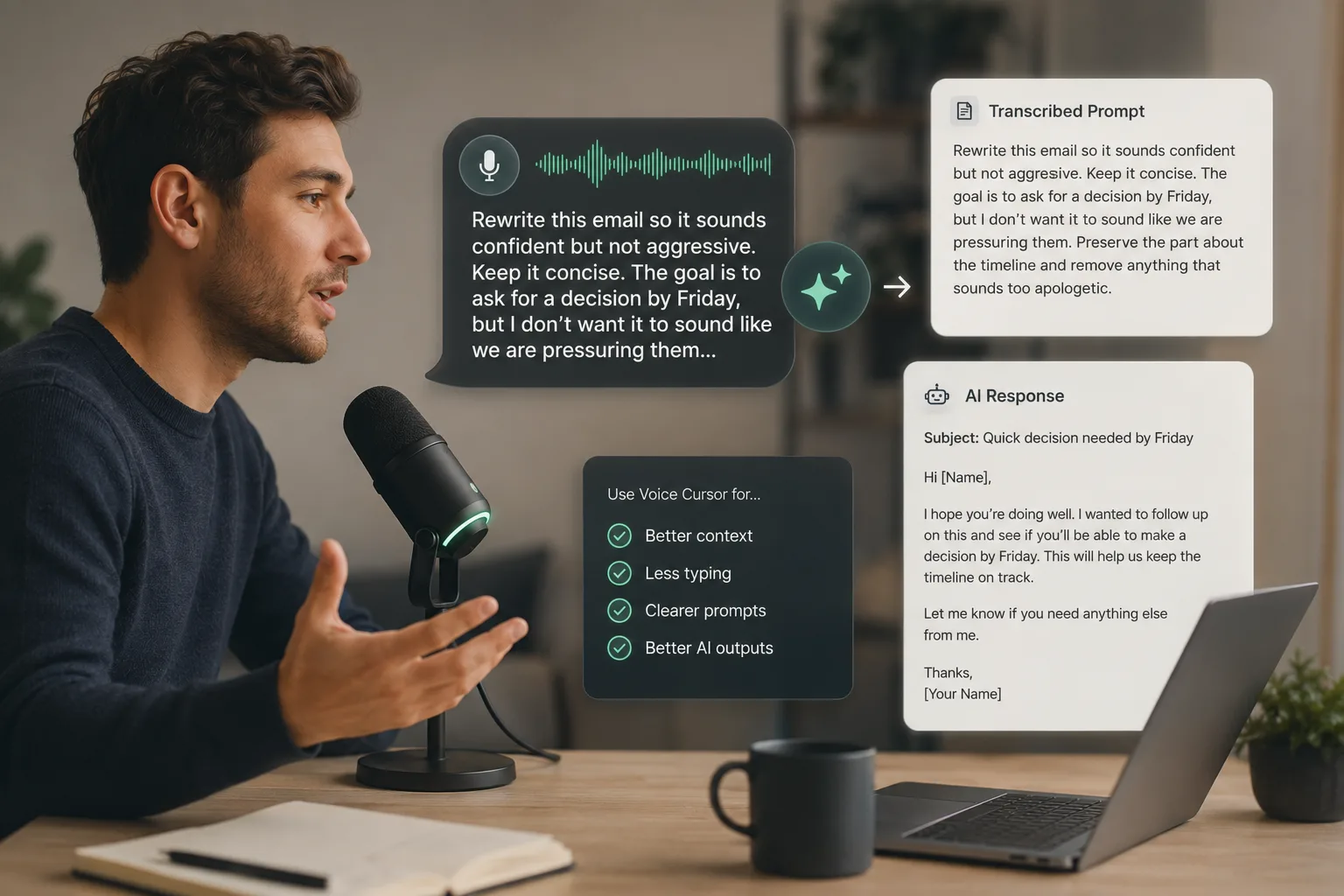
Voice dictation is especially good for emails with nuance. A rejection email should be kind but direct. A sales follow-up should be specific but not desperate. A team update should be clear but not bloated. A customer response should acknowledge the problem without sounding robotic.
These are exactly the kinds of messages where speaking the first version can help. When you talk through an email, you often sound more natural. You include context. You explain the why. You sound like a person.
The best use of voice dictation is: speak the full thought, then sharpen it.
For people who live in Gmail, Outlook, Superhuman, or any inbox-heavy workflow, this can save meaningful time. But the larger benefit is not only time. It is momentum. The more easily you can produce a first draft, the less likely you are to let communication pile up.
An inbox is not just a list of messages. It is a list of tiny decisions waiting for language. Voice Cursor helps you turn those decisions into words faster.
FAQ
Can I use Voice Cursor to write emails?
Yes. You can use Voice Cursor to dictate email drafts, then review and edit them before sending.
Is voice dictation good for professional emails?
Yes. It is especially useful for professional emails that require context, tone, and explanation.
Should I still edit dictated emails?
Yes. Dictation helps you create the draft faster. You should still check names, facts, tone, and formatting before sending.
Voice Cursor を試す
話した思考を、洗練された文章へ。
Voice Cursor をダウンロードして、普段使うアプリで AI 音声ディクテーションを活用しましょう。
アプリをダウンロード